Digital communication is becoming one of the most sought-after solutions for modern businesses.
But while many businesses have taken to digital communication, others are still doing things the old-school way.
Like scheduling, for instance. Content administrators have to set endless reminders and alarms to ensure they don’t miss an upload.
But what if there was an easier way to post content? A way where you can schedule posts in advance so you can rest easy and never miss any new uploads.
Introducing L Squared’s scheduling wizard — an easy way to schedule posts according to a set date, time, and even device!
We want to make content management as seamless as possible for you, including the benefits of a scheduling feature on your Content Management System (CMS). Let’s dive right into the scheduling wizard on L Squared.
What is the Scheduling Wizard?
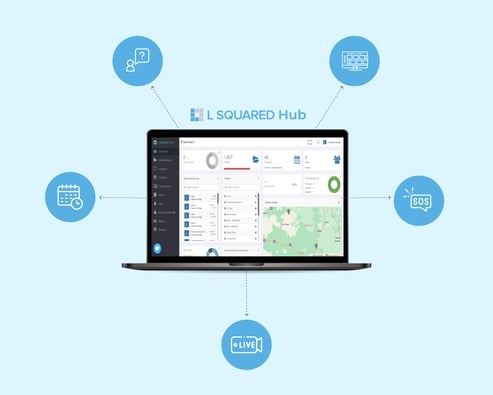
Schedules are an essential L Squared Hub feature that takes away the stress from content management. They act as a set of rules that define which content from your library appears on which screens, at what date and time, and for what duration. This enables content admins to create a solid content schedule and plan ahead.
The wizard takes you through the scheduling process step by step so that even if you have forgotten how to use it, you'll still be able to schedule content in seconds.
Where Can I Find the Scheduling Wizard?
Once you login to the L Squared Hub, you’ll find the scheduling feature located on the left-hand side of the platform. There are two ways to schedule your posts — the first way is through the ‘Create New Schedule’ from the ‘Schedules’ tab.
Another way is from the ‘Content Library’ section. If you’re already in the Content Library, you can schedule any content directly by selecting the content you want and click on ‘Schedule.’ You can also right-click on the content and then choose ‘Schedule.’ All these methods will launch the wizard.

How can I Schedule Content on the L Squared Hub?
Follow this step-by-step guide to schedule content on the L Squared Hub:
- Log in to the platform and launch the scheduling wizard using one of the ways mentioned above, i.e., the ‘Schedules’ tab or the ‘Content Library’ tab.
- A window will appear for you to name your schedule and assign relevant user permissions to it. Click ‘Next’ to proceed.
- This next step allows you to choose when you want to display your content. You have a variety of options, such as daily, specific time frames, weekly, monthly, or even create custom cycles. When you’re done, click on ‘Next’.
- Now select the content you want to display in your schedule. A window will appear on the right where all your selected content will line up. You can change the order of content in the loop and specify how long each content piece will appear.
Please note: New content is automatically added to the end of the loop. Once you’ve made your selection, click "Next." - Now select the devices you want to schedule your content on. You can select individual devices, predefined groups, or use tags.
- In the final step, you have to select the frame layout where you want your content to appear. Once you've made your choice, click "Save," and your schedule is ready!
You can also watch the tutorial video on scheduling below.
Wrapping Up
And that’s all about our scheduling wizard. The powerful scheduling feature makes content scheduling easier and faster for you and your team!
For any more questions related to scheduling or L Squared, reach to us at info@LSquared.com